Move around
On foot, from the arrival corridor to the recovery room, from a phone.
A single photograph is enough to render the place in three dimensions, including what lies outside the frame.
The service is free and requires no sign-up; your photograph is used only for the duration of the computation and is not stored.
DepictHit
From a single photograph, DepictHit estimates depth, reconstructs geometry, materials, and lighting, then extends the scene beyond the frame based on real data about the location.
powered by LiuEngine
Demo
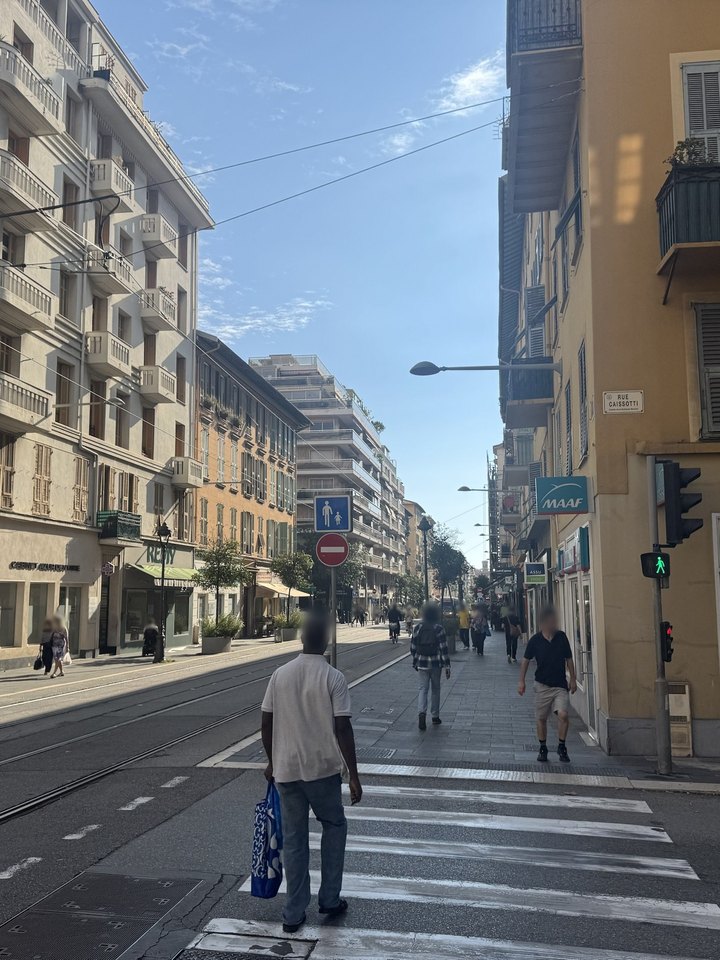
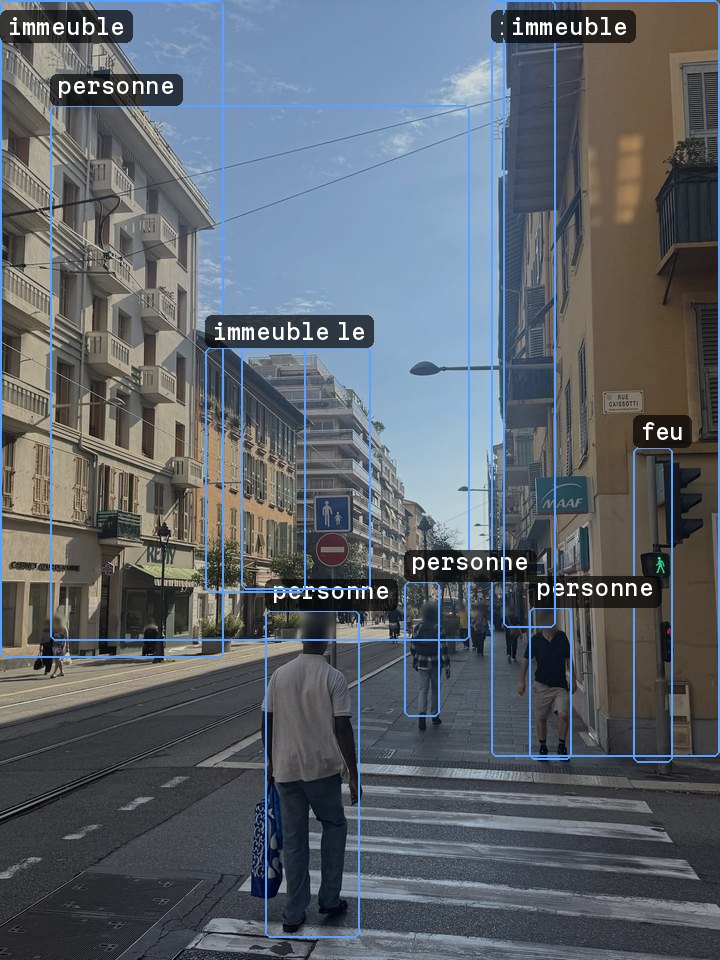
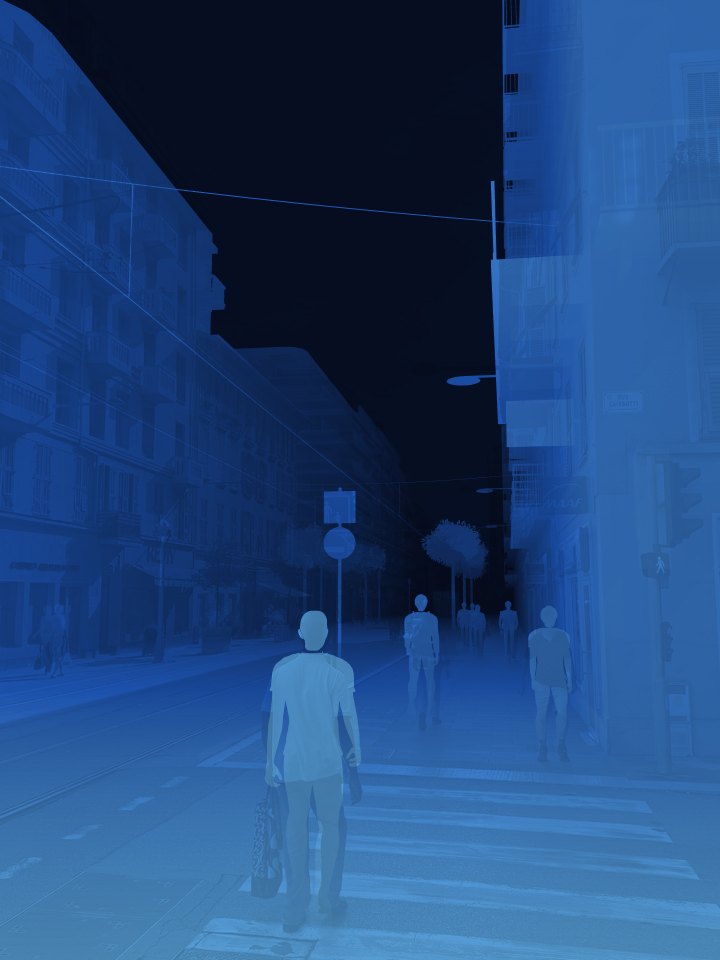
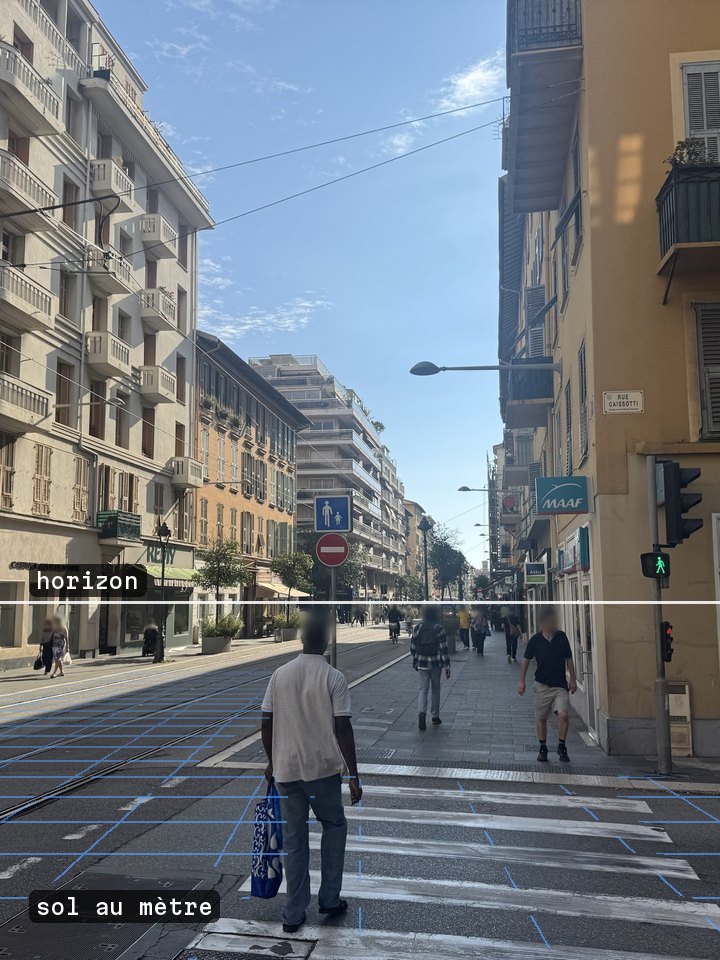
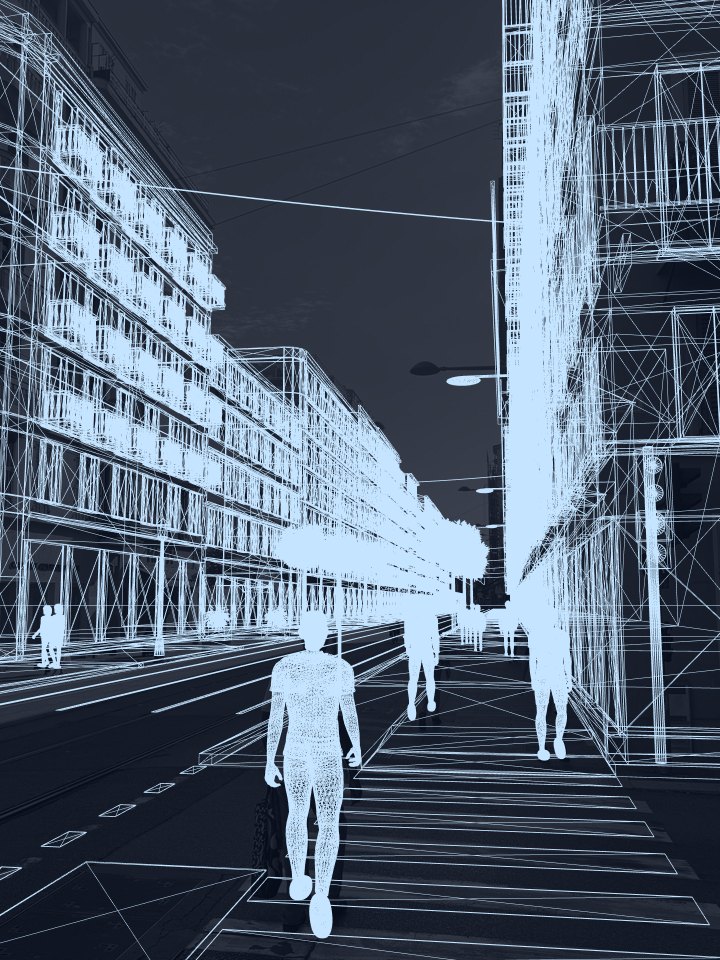
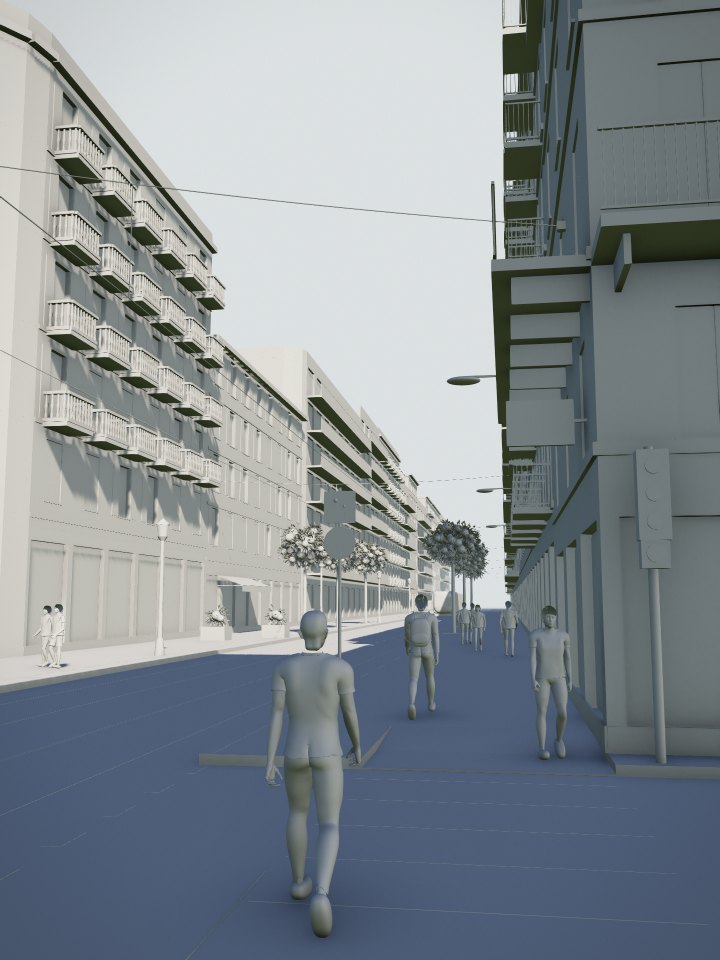
Drag the slider to follow each stage of the computation, from the original photograph to the final render.
Every scale
The same engine renders a single device, an entire room and a procedure in progress, held to the same standard of fidelity.
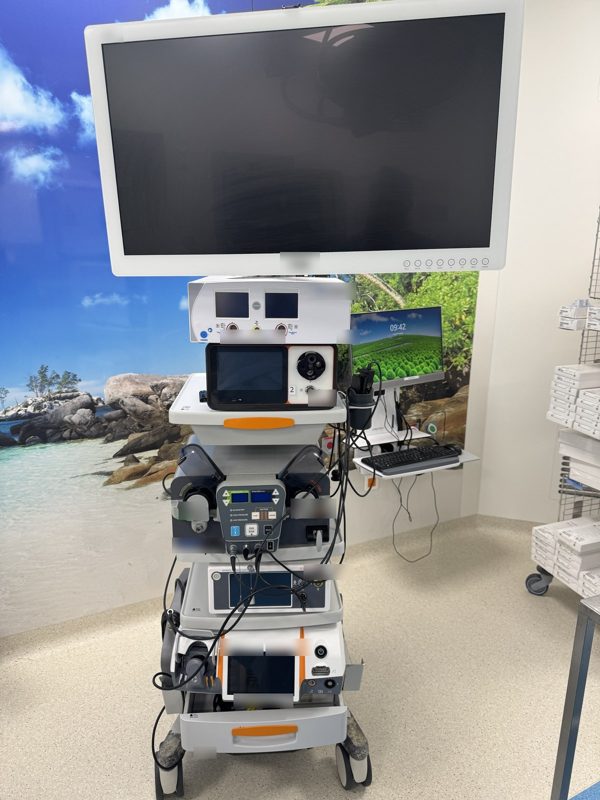
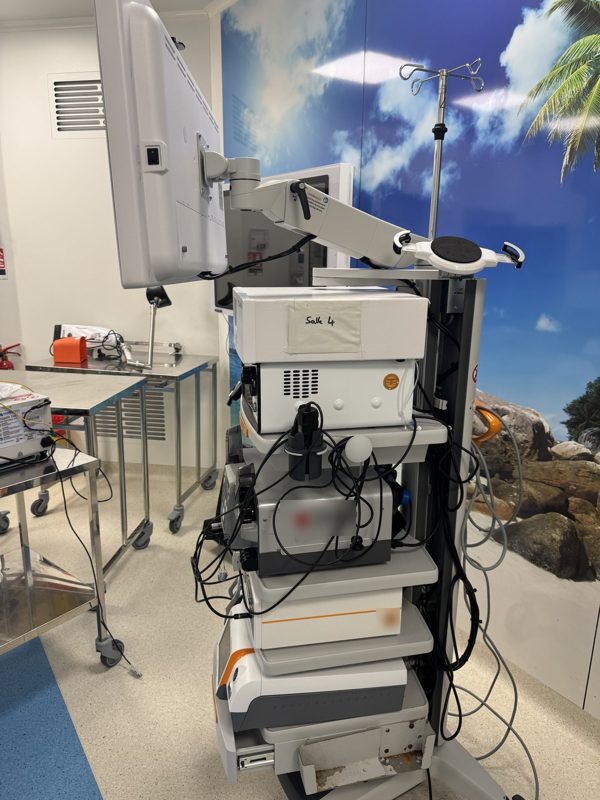
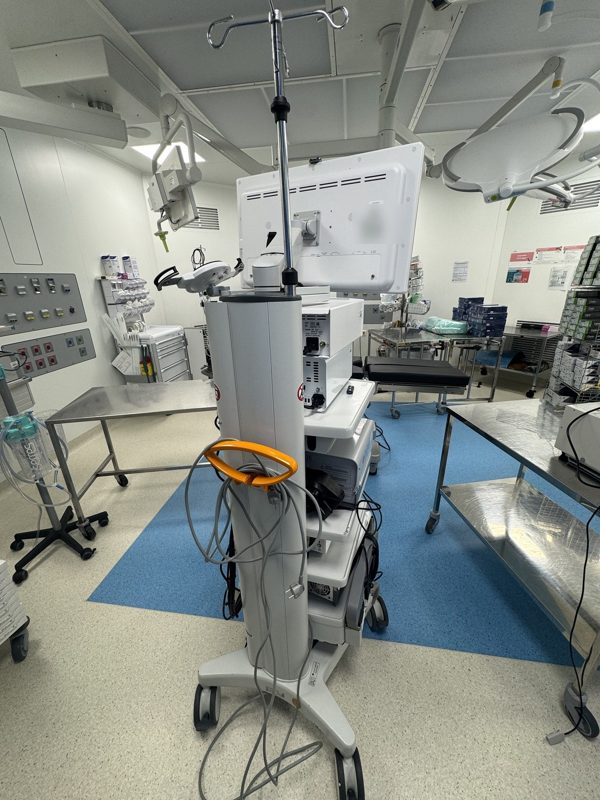
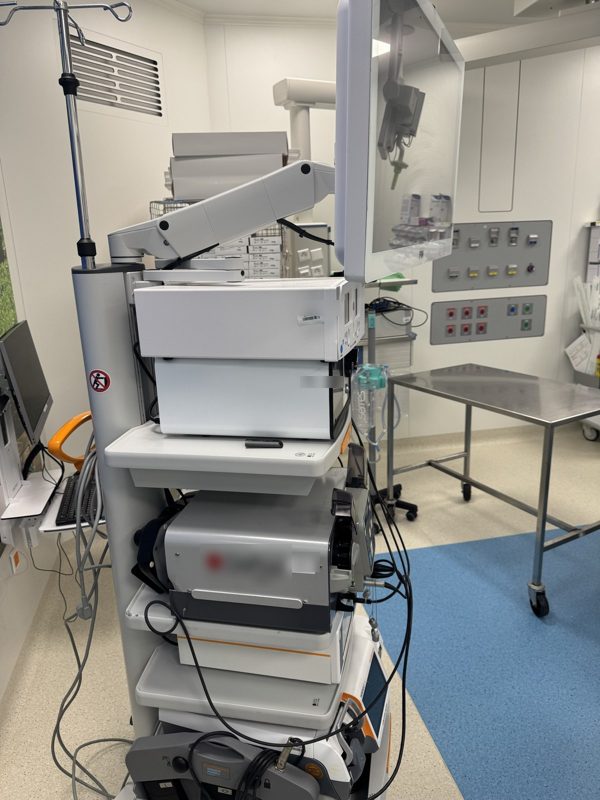
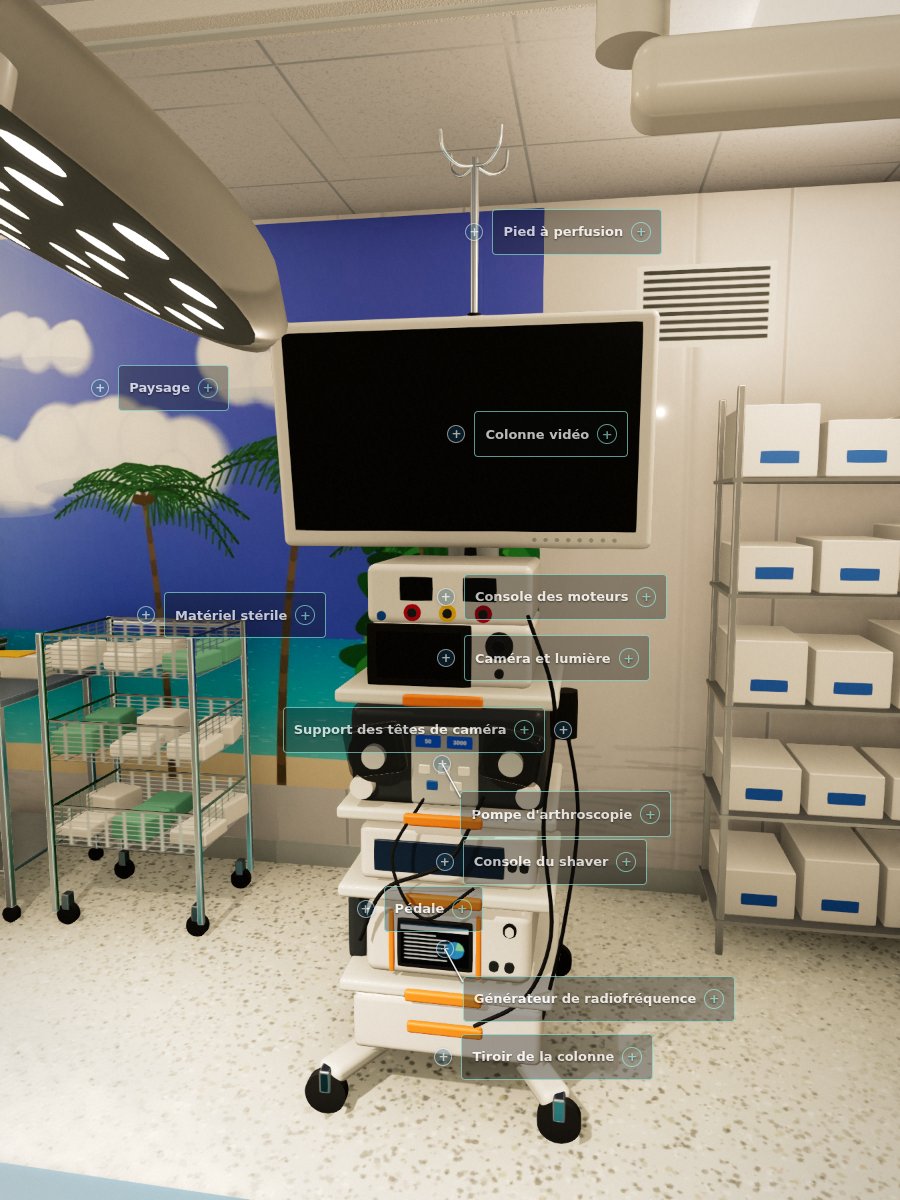
The arthroscopy tower, modeled module by module from its photographs: each element is pointed out and explained. Turn it with your finger, tap a target or a name.
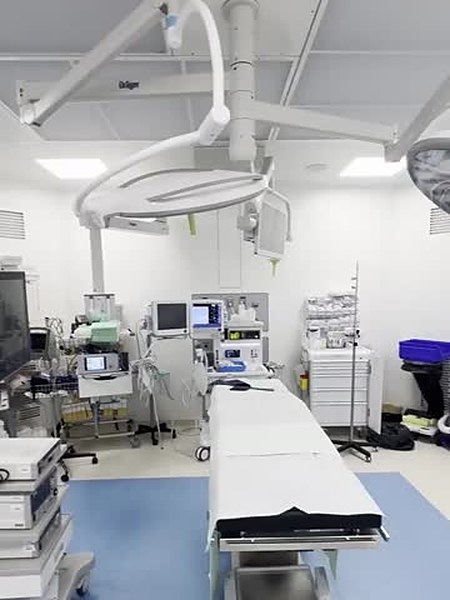
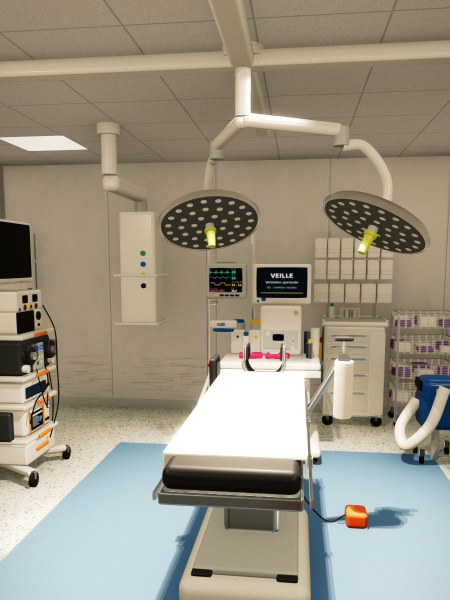
An operating room, reconstructed with its equipment and explorable on foot from a phone.
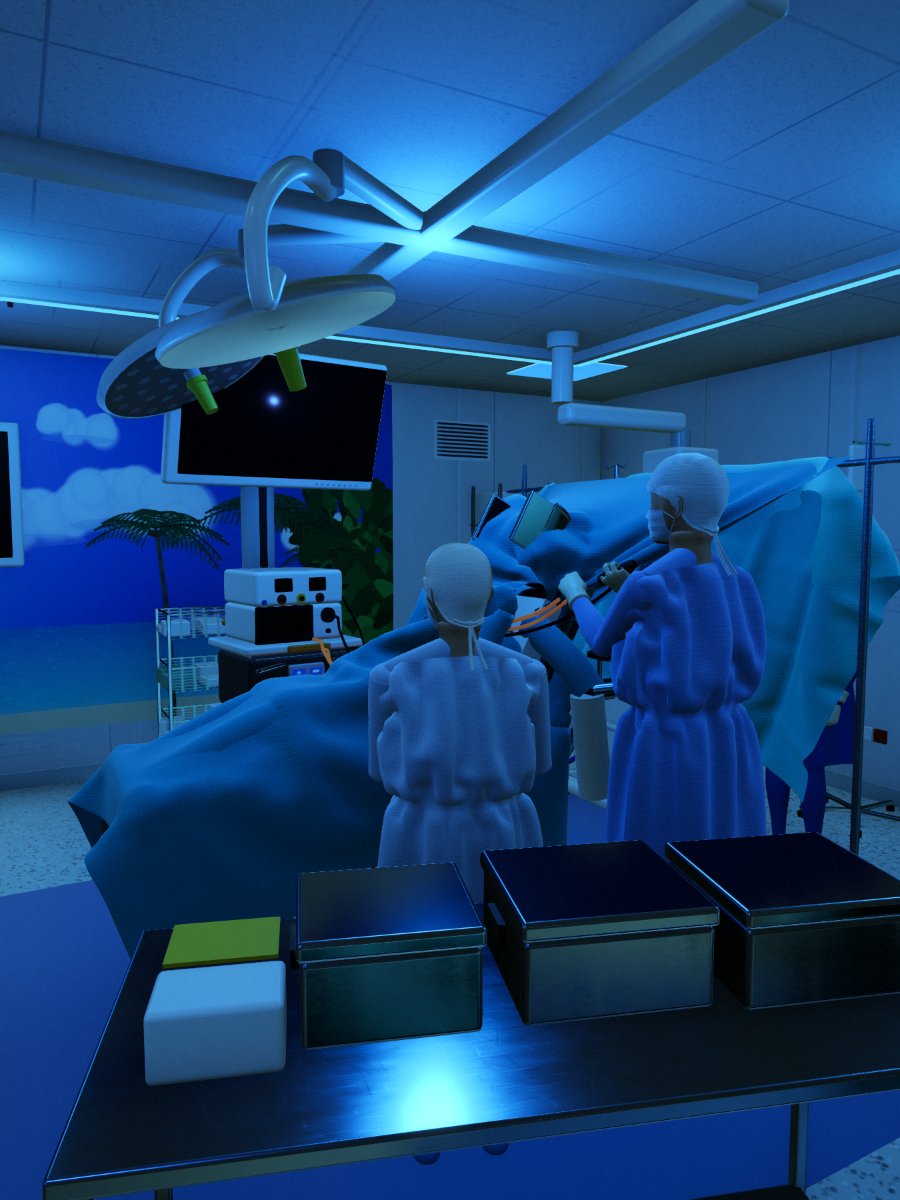
The same room during an arthroscopy, under its blue lighting: team in position, drapes laid, screen turned toward the surgeon.
An operating room, as it is
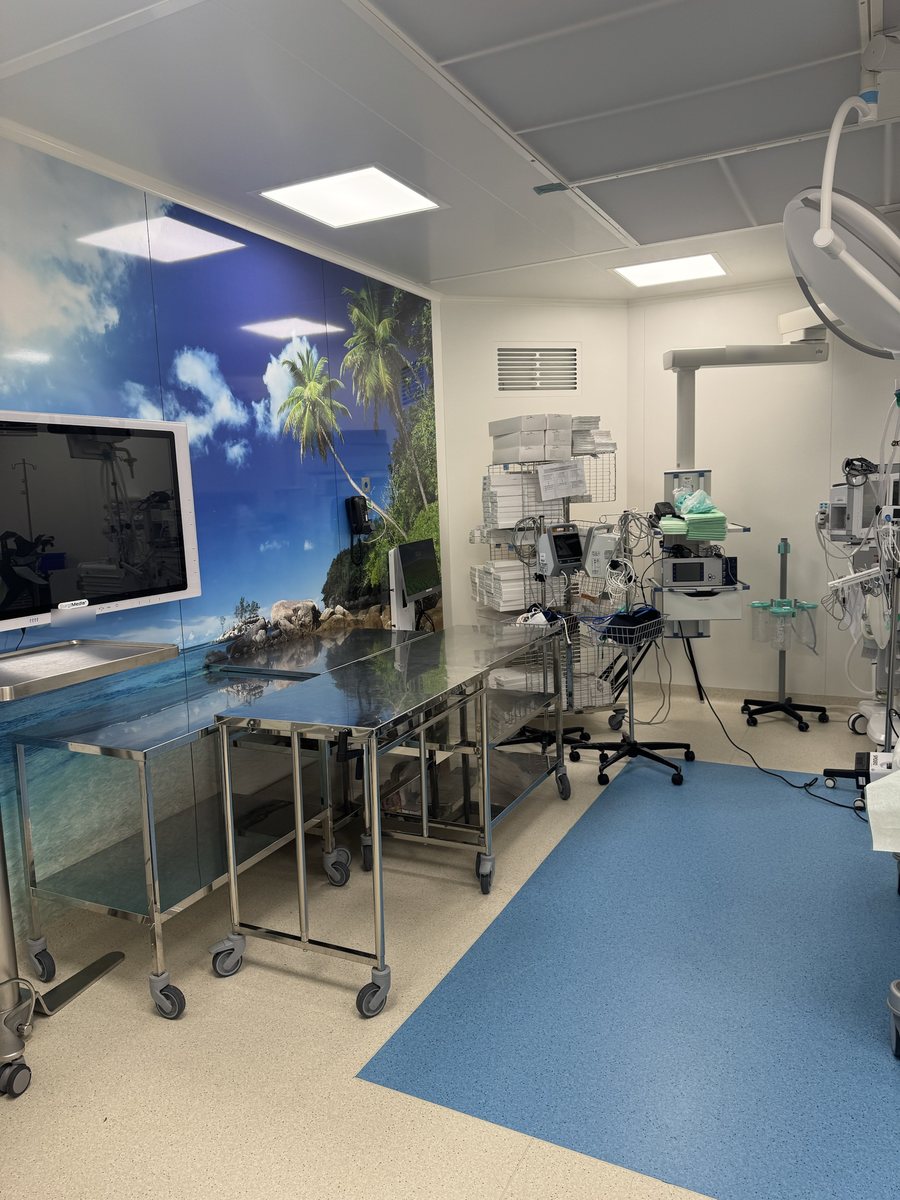
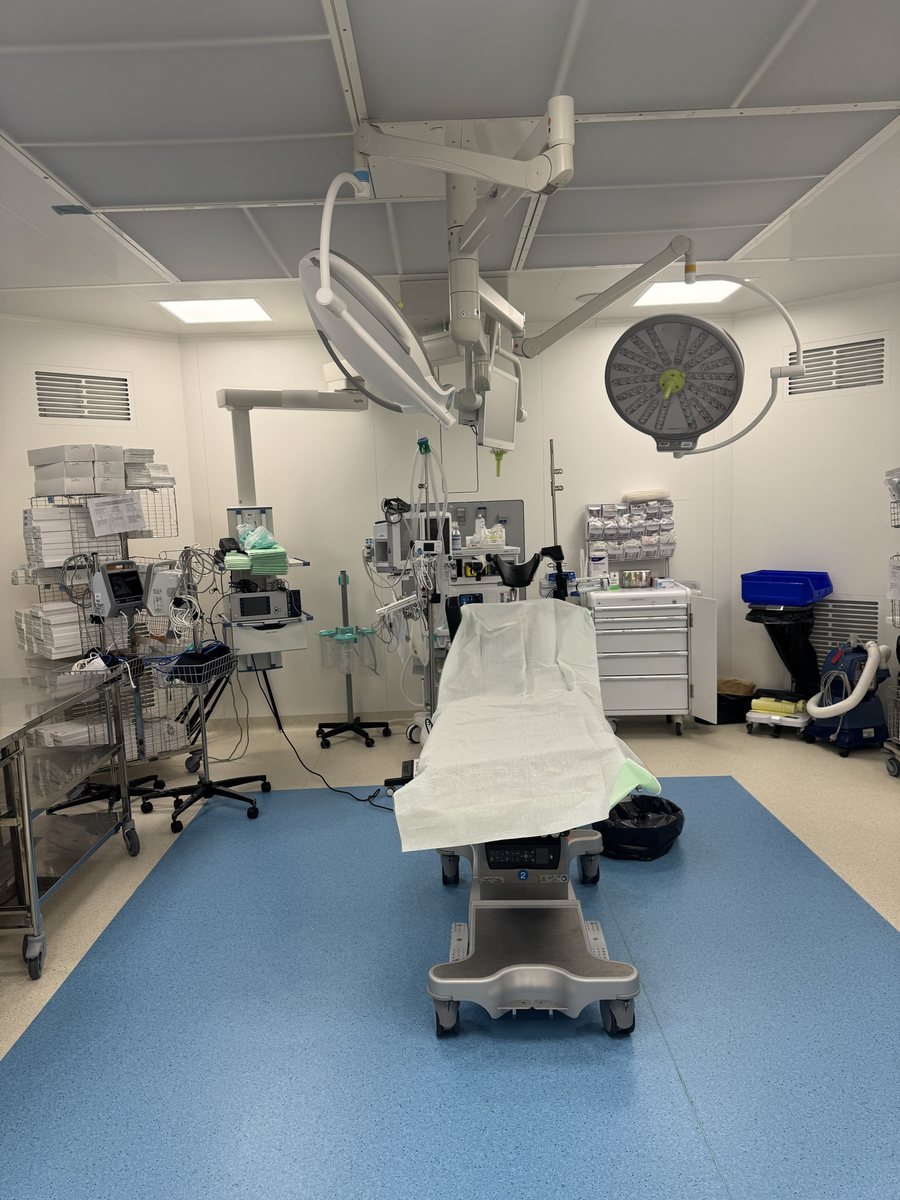
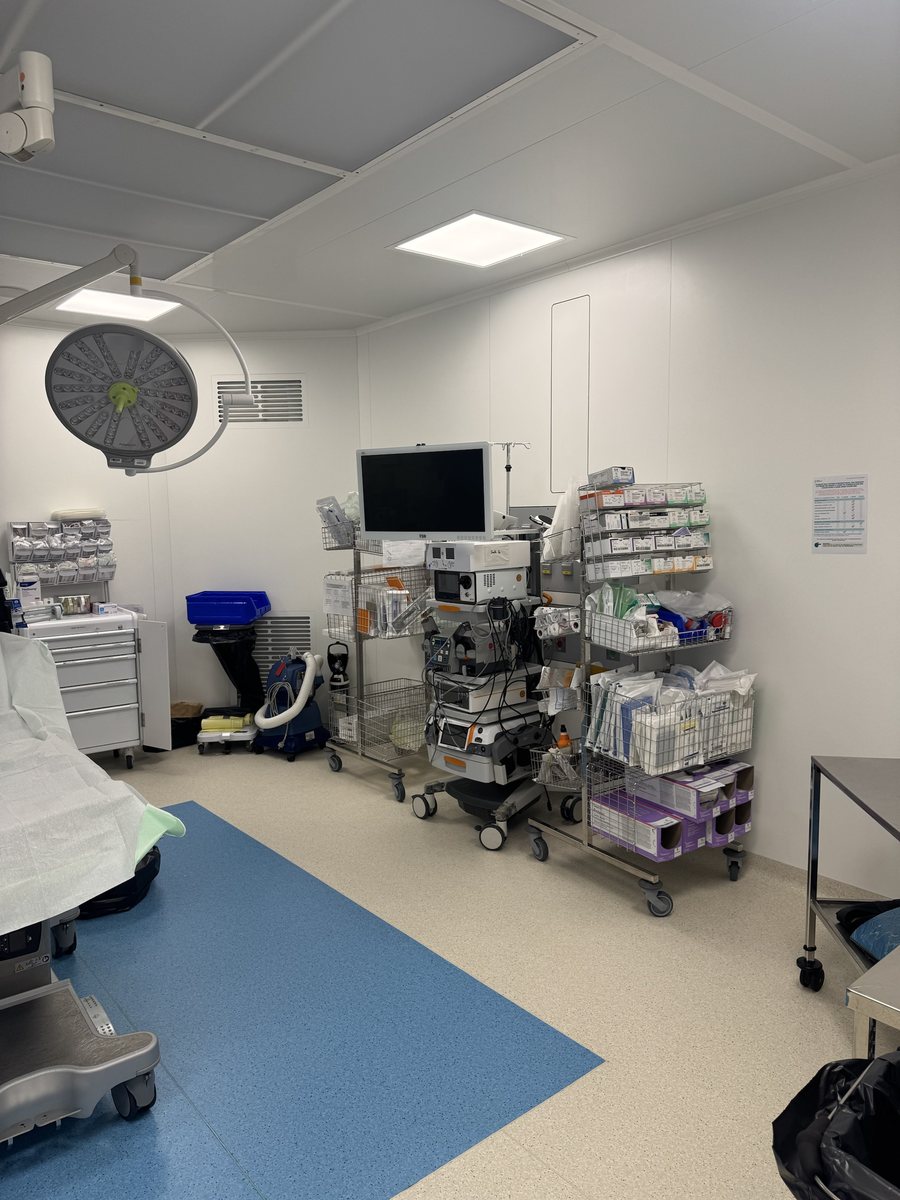
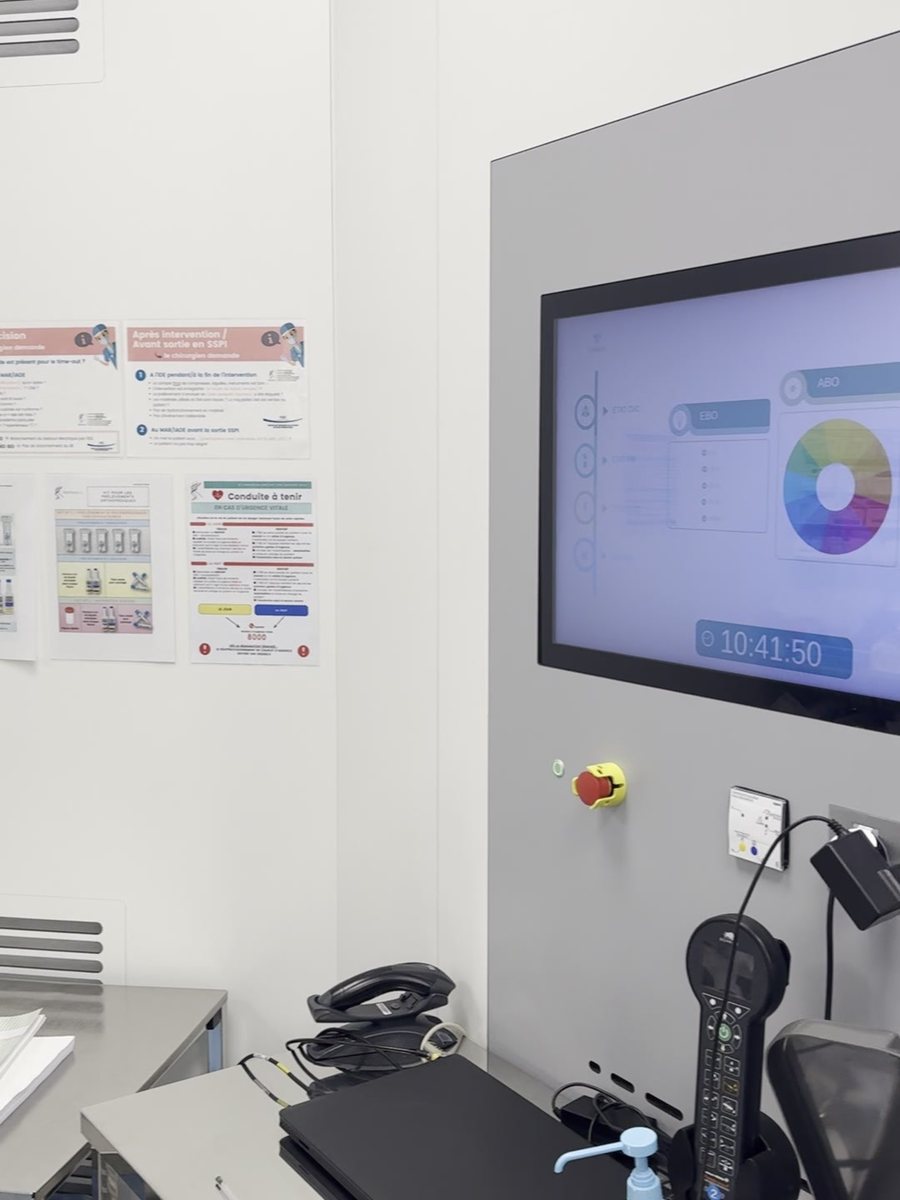
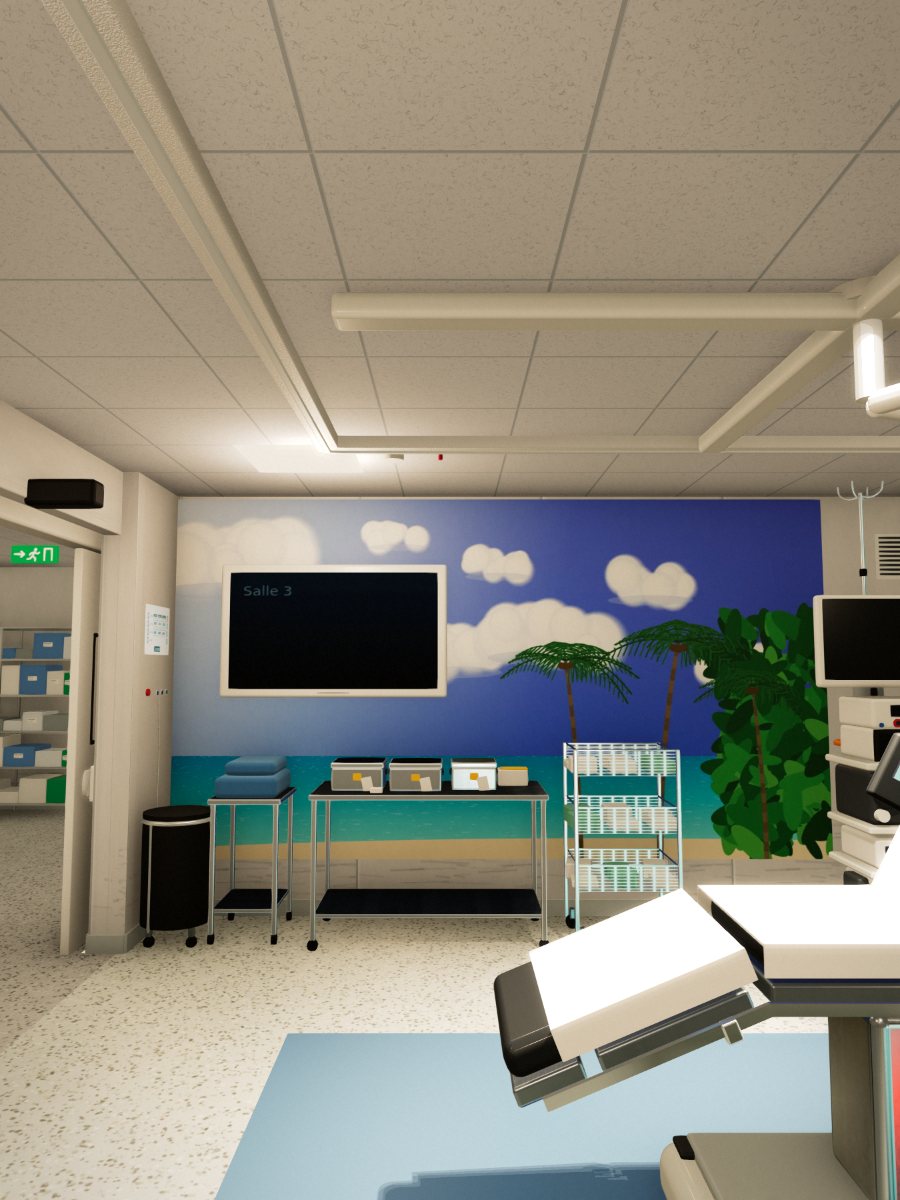
Four photographs of the room, followed by its 3D reconstruction, shown here as an illustration.
The tour
The scene is not only viewed: it is entered. Each piece of equipment stands in its place at its real size, can be pointed out with a gesture, and explains itself.
On foot, from the arrival corridor to the recovery room, from a phone.
A gesture on a piece of equipment shows its name, then its card, without leaving the scene.
Furniture can be moved and turned; the consistency checks follow every change.
The room switches to surgery: team in place, screen turned toward them, drapes laid.
Training
One sentence is enough: the scene is built and checked, then you can turn it, point at it and have it explained. For training a team, a student or a patient.
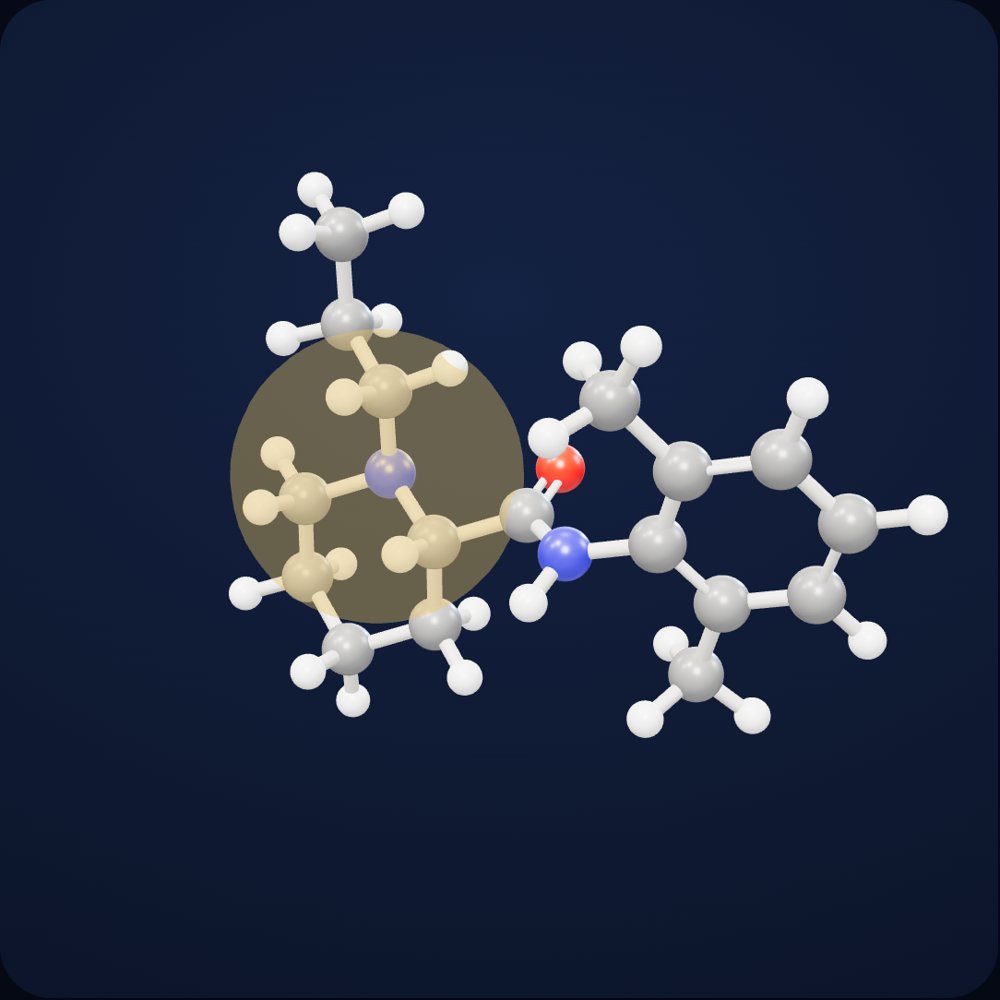
The fat-loving part: it carries the molecule through the nerve's sheath and membrane. The more it dissolves in them, the more potent the anesthetic.
The middle link classifies the anesthetic: an amide is broken down by the liver, an ester by enzymes in the blood.
It carries the terminal amine, the molecule's switch: neutral, it crosses membranes; charged, it dissolves in water.
Three carbons on the nitrogen: ropivacaine is the propyl version of bupivacaine, which carries four, and it is less fat-soluble.
Once charged, this nitrogen lodges in the pore of the nerve's sodium channel: with the channel blocked, the nerve signal no longer gets through.
“Show me ropivacaine in 3D”
In brief
A local anesthetic of the amide family: it blocks the nerve's sodium channel, and the nerve signal no longer gets through.
Only one of the two mirror-image forms, the propyl version of bupivacaine: less fat-soluble, and less toxic to the heart and brain in preclinical studies. It is broken down by the liver.
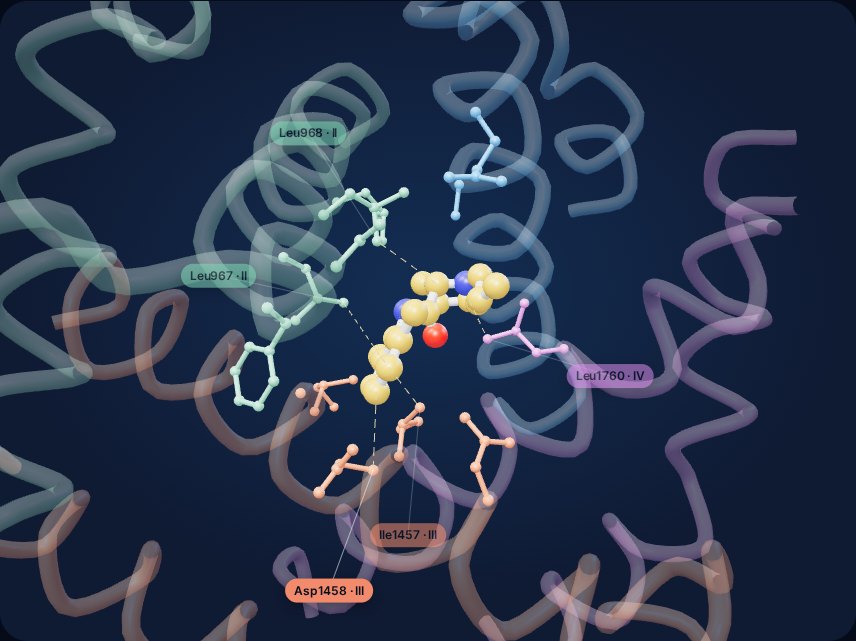
“Show me ropivacaine in its receptor”
In brief
The molecule lodges beneath the pore's intracellular gate, where segments of the channel's four domains meet.
Inferred pose: that of the published levobupivacaine, minus the carbon that distinguishes the two molecules.
The name is read from the request and the structure comes from a public database; every bond is checked before display.
Each instrument can be pointed at and explained: a way to practice setting up a table before entering the operating room.
The labels are read from the photo, the device is looked up online or recognized by its shape, and its information card opens.
Whatever cannot be verified stays marked as unidentified, and says so.
No survey, no second viewpoint: one photograph is enough. The engine infers depth and geometry from it, locates where it was taken, and restores what the lens never captured.
Case study
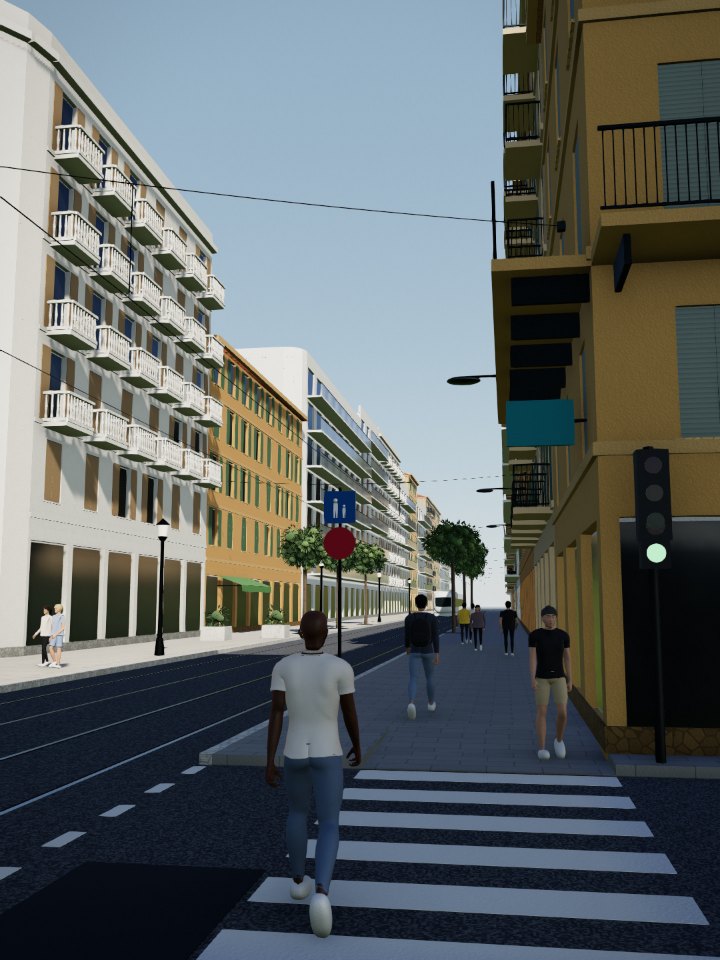
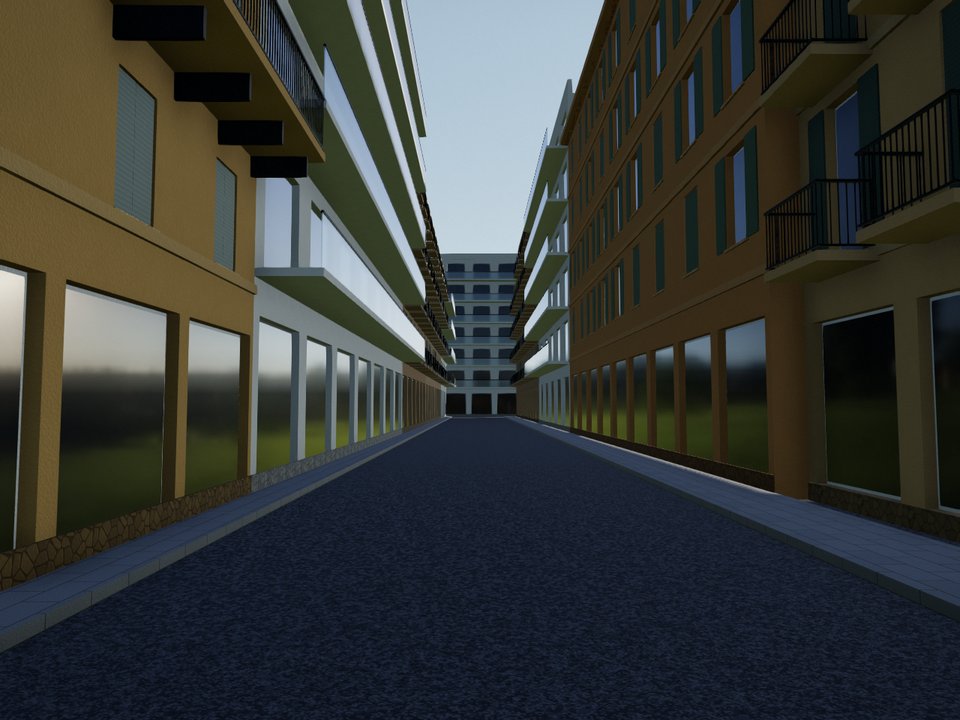
Avenue de la République in Nice: a photograph taken from the sidewalk with a phone. The engine reconstructed everything else.
The tram and its overhead lines, the crosswalk, the balconies, the fruit stand, and the passersby are restored in 3D, in their places and at their real dimensions.
Beyond the frame
Behind the camera, the avenue continues and the neighboring street opens up. Widths and heights match the real neighborhood, the facades take on the colors of Nice, and nothing shown in the photograph is altered.
In motion
A photo of River Wonders in Singapore becomes a 3D scene, then the whole park, generated from its real map and explorable on foot.
Technology
Seven modules run automatically in sequence, from the original photograph to a verified scene ready to be explored.
Monocular estimation assigns every point in the image its real distance, with no depth sensor and no second shot.
Each object is segmented, identified, and restored at its real size, then becomes an independent element that can be moved.
Surfaces are rebuilt as continuous, faithful meshes: a hand keeps its five fingers, foliage keeps its outline.
A physically based render whose sun, sky, and shadows are matched to the photograph, and whose color science follows that of the camera.
Beyond the frame, the scene is generated from the location's map data: street widths, building lines, and building heights all come from the real neighborhood.
Before delivery, every scene undergoes physical and logical checks; nothing floats, no surface can be passed through, and every element keeps its function.
The scene can be explored on foot from an ordinary phone; when it is extended, visitors keep their position and point of view.
The consistency core
Before it is shown, every scene is questioned the way a specialist of the place would question it. Anything that floats, intersects or makes no sense is rejected, with the figures to prove it.
Consistency report · an avenue in Nice, rebuilt from a photo
479 checks, 478 passed. The only gap is the real street's own: it is flagged, not quietly fixed.
Consistency report · shoulder arthroscopy, in an operating room
At most 15° between the screen axis and the line of sight: a scene that exceeds it is not delivered.
Every rule cites its reference: surgical ergonomics guidelines, accessibility standards, anthropometry.
Every rule is tested on a deliberately broken scene. A rule that rejects nothing is itself rejected.
The checks are run again on the scene as it is explored, and follow every object that is moved.
Extend onto the real place
From a single photograph, the engine geolocates the shot, then rebuilds the surroundings from the site's real map: buildings, paths, bodies of water, and trees.
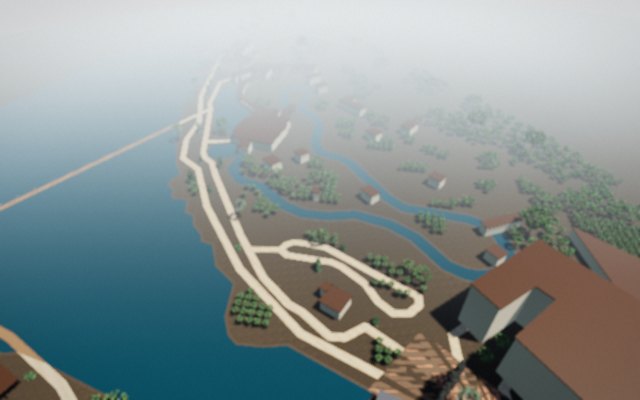
The place in the photo is identified and located.
Buildings, paths, water, and vegetation are surveyed from open map data.
The plan is placed beneath the camera, aligned with the shooting axis and the path of the sun.
Every tree is modeled at its real size, with the same level of detail as the foreground.
Areas the photograph does not show are filled in without altering what it does show; no gaps remain behind a shrub bed.
Nothing floats, no surface can be passed through, no tree stands on a path or in the water; the scene is delivered only once it passes.
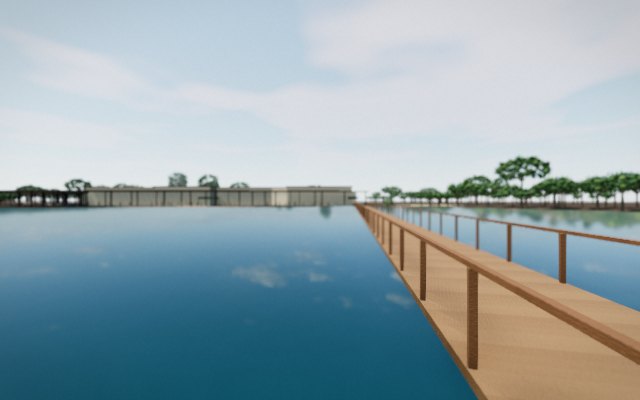
Case study
A photograph taken at the park entrance. The engine geolocated the shot, surveyed the site plan, and rebuilt everything around the image: the reservoir, the footbridge, the pavilions, and every tree at its measured height. The canopy on the left of the photograph matches its position on the plan exactly.
Use cases
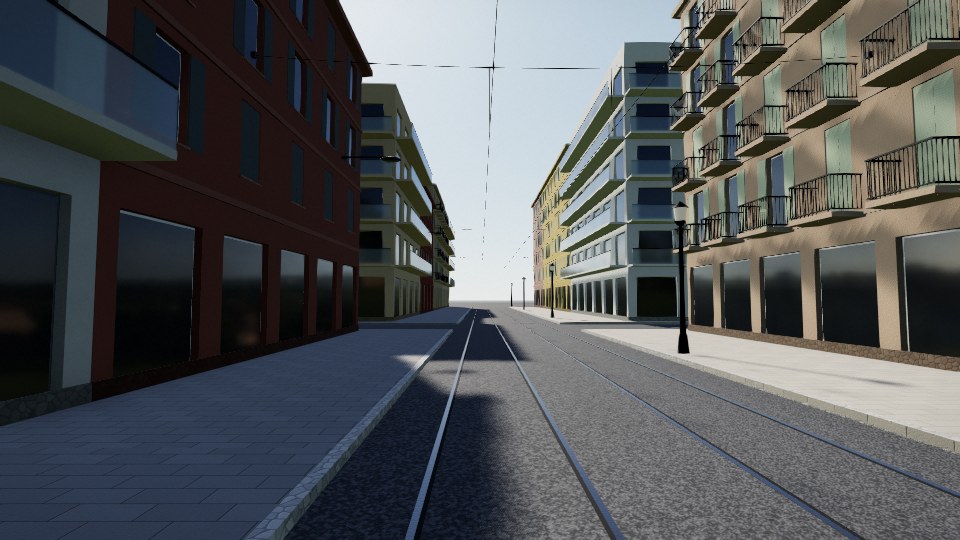
Prepare your shot list and position your cameras in the real setting before you even scout it.
Introduce patients to the care facility before surgery or a hospital stay, so they arrive with greater peace of mind.
Test a new room layout before moving a single piece of equipment.
A molecule requested in one sentence, an instrument table to set up, a tower whose every device explains itself: you learn by handling.
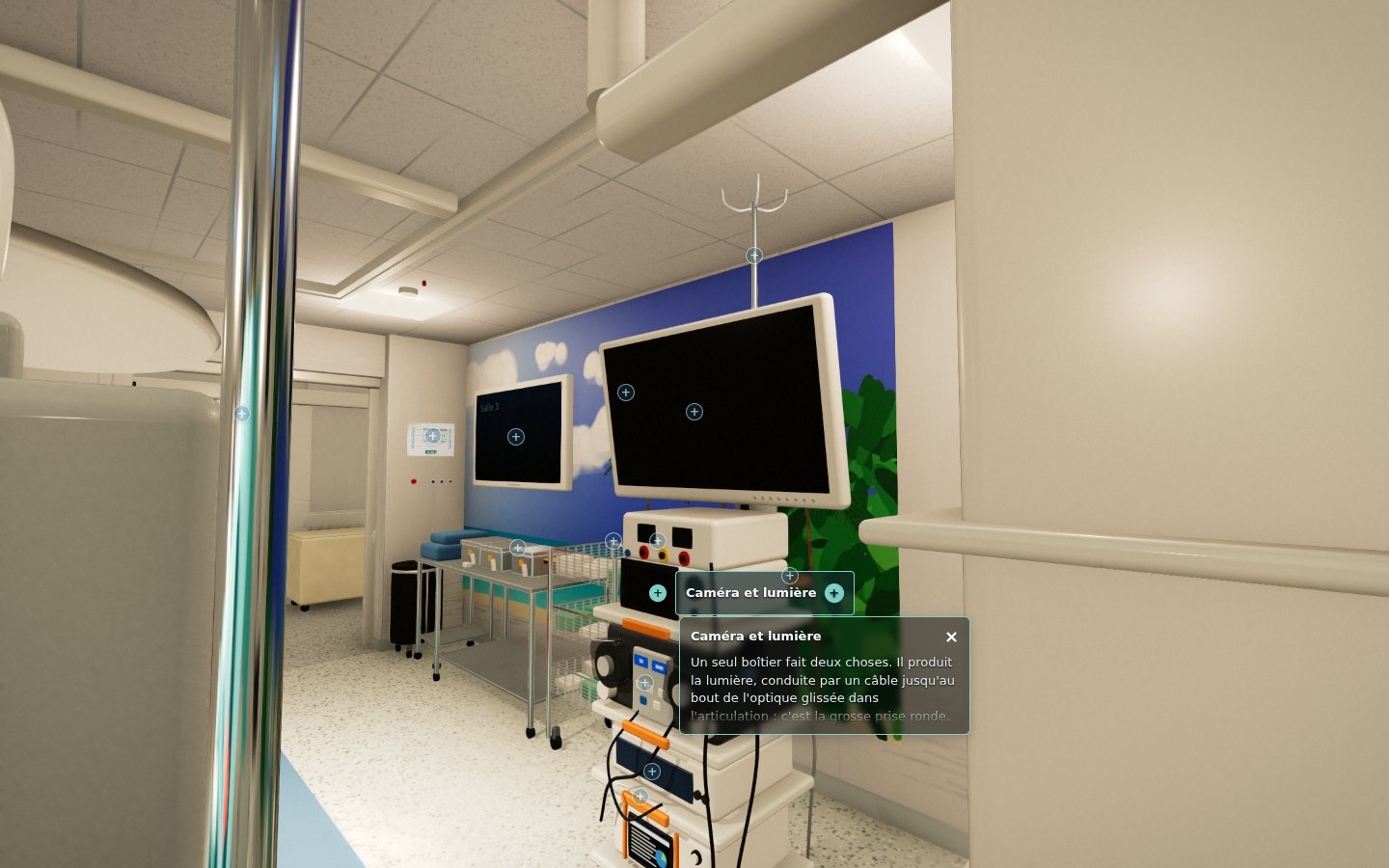
Each product modeled at its real dimensions, stored in its place and pointed out with a gesture: its card opens, and the inventory is explored like the place itself.
Reconstruct a street or a site from a few photographs, and explore its surroundings.
Introduce a place before the visit: its routes, its viewpoints, and its distances.
Healthcare
The day before, patients tour the facility from their phone: the arrival corridor, the operating room, the recovery room. On the day, they arrive somewhere they already know.


Reference scenes
Each one originated from a photograph or a short description, and all of them passed the same checks.
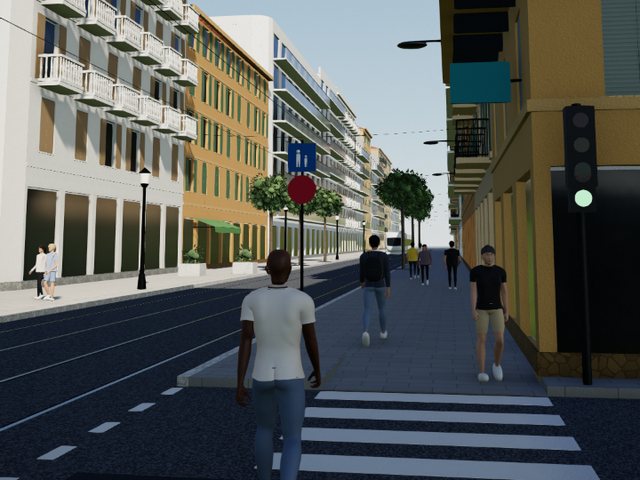
Dense urban setting: tram, facades, passersby, generated side street.
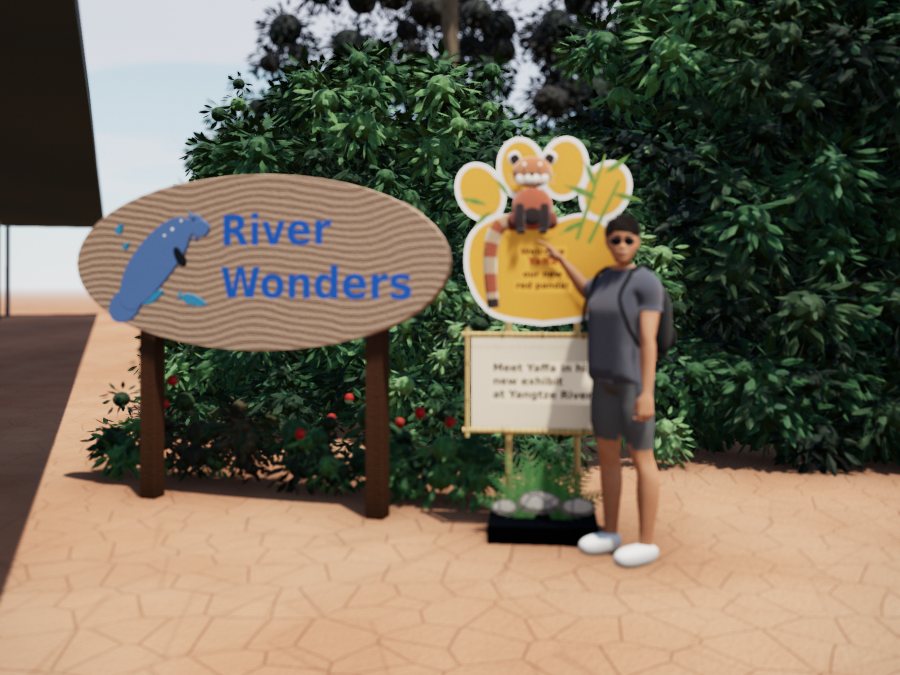
Outdoor greenery, articulated figure, signage.
Complete route, equipment, surgical lighting.
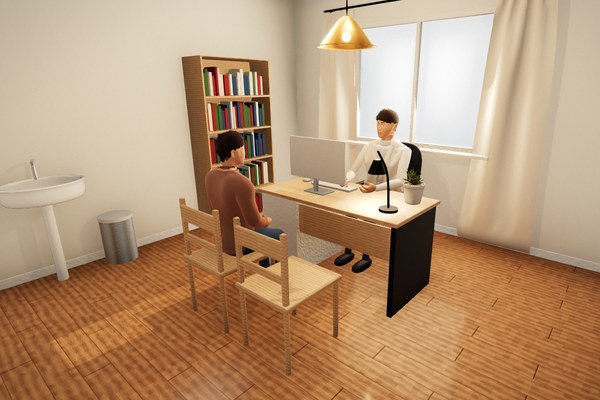
Two figures, a workstation.
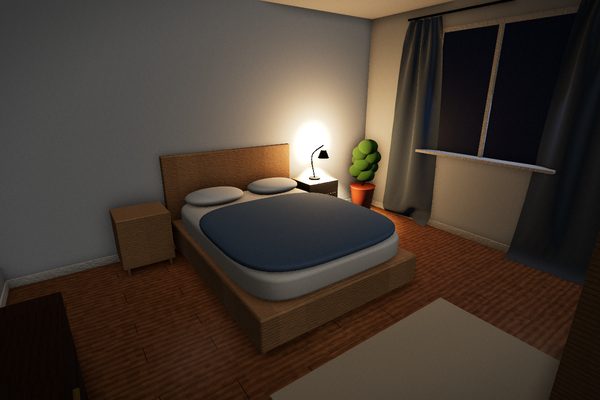
Night lighting, a single light source.
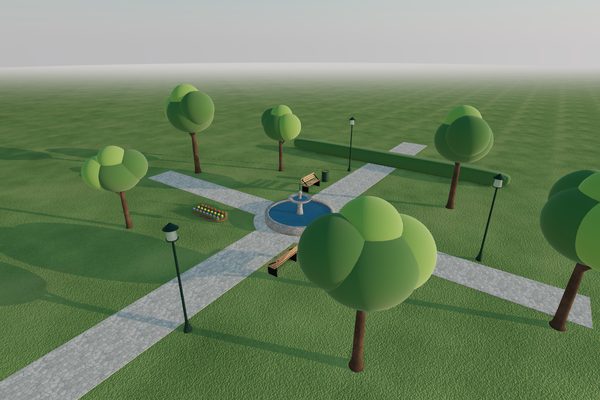
Outdoors, morning light.
Upload a photograph and the reconstruction runs directly in your browser. The service is free, requires no sign-up, and your image is not stored.
About
DepictHit turns a photograph into a navigable, verified 3D scene, then extends it using real data about the location. For patients, managers and training.
Camera calibration, volume survey, identified objects, then the place extended beyond the frame from open data: buildings, streets, terrain.
Computed on the graphics card, with an automatic fallback on older devices, physically based materials and realistic lighting, on phone and computer alike, with nothing to install.
Every scene is checked before it is shown: collisions, supports, distances, what each object is for. Anything that cannot be verified is flagged.
Explore the premises the day before, from a phone. In children, randomized trials show that a virtual tour of the operating room reduces preoperative anxiety; in adults, it better meets the need for information.
Present a department, train teams, plan a reorganization or a new layout, without taking a room out of service.
A molecule in its receptor, an instrument table, a device: the scene is born from a simple request, with realistic physics and materials, then can be handled and explained.
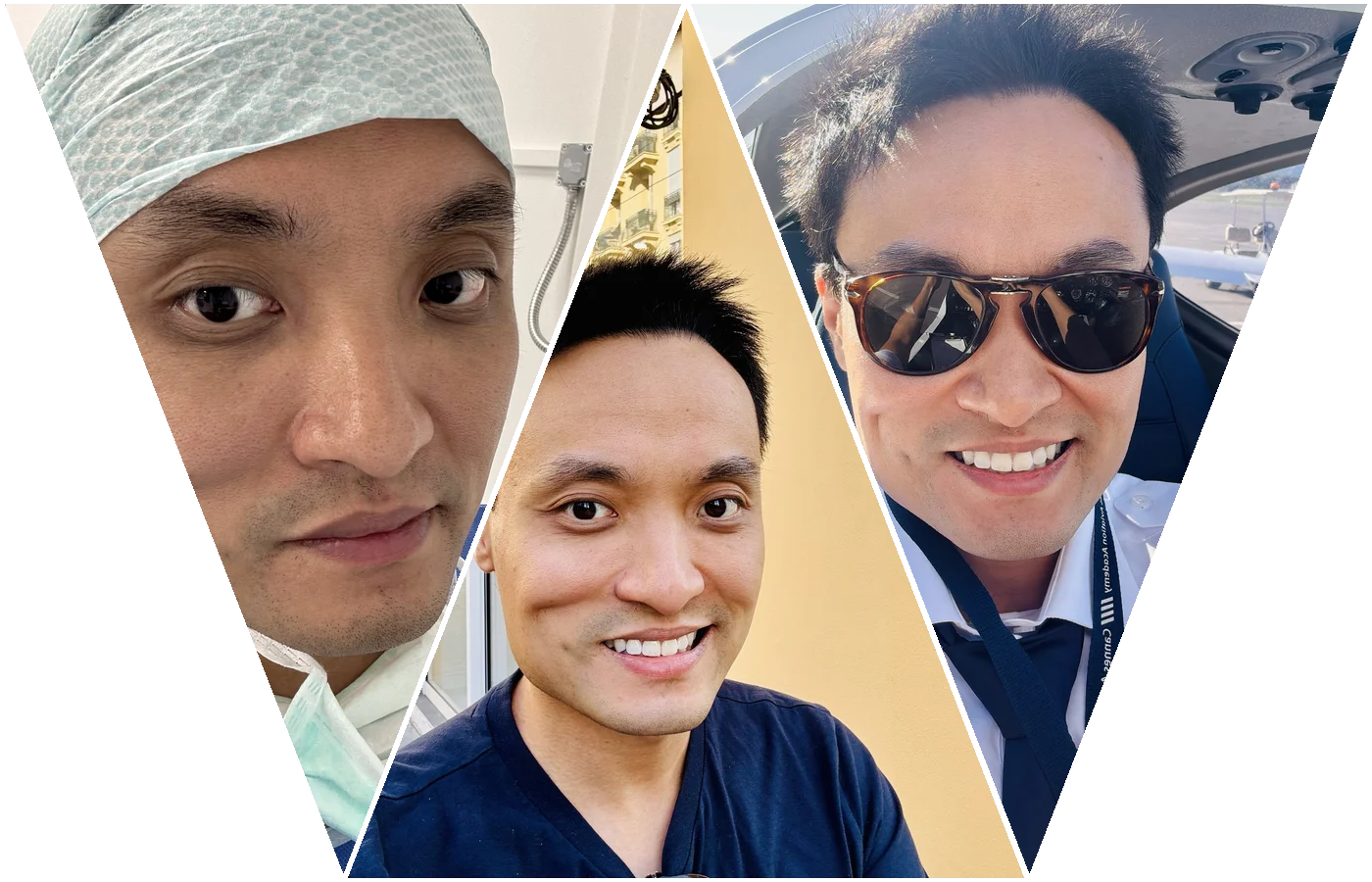
The designer. Vincent LIU-BOUSQUEL, anesthesiologist, pilot and technophile, designed DepictHit in the operating room, with the rigor of cockpit checklists.